Live sports streaming has grown significantly in recent years. A recent survey by Mordor Intelligence™ reveals that the sports streaming market is valued at $14.1 billion in 2026 and will reach $23.89 billion by the end of 2031. One key driver of this growth is the widespread adoption of smart devices, not just the popularity of games. Yes, smart TVs, smartphones, and tablets together hold a 42.31% share of the live sports streaming market.
You may also be a sports fan who prefers watching live streams on a smart TV or smartphone. In that case, if you love watching NFL, EPL, or LaLiga in Spain, the UK, or the US, an IPTV player can make live sports streaming much more convenient. Indeed, IPTV players for live sports simplify live TV by organizing multiple legitimate streaming sources in one convenient interface.
These software tools let you access your preferred streaming sources without switching between apps or streaming services. Yes, a single IPTV player can manage all your subscribed channels in one place.
Best IPTV Players for Live Sports Streaming
Whether you are in the United States, Canada, the UK, Germany, or France, our guide can help you choose the right IPTV software. Let’s begin!
1. GSE Smart IPTV
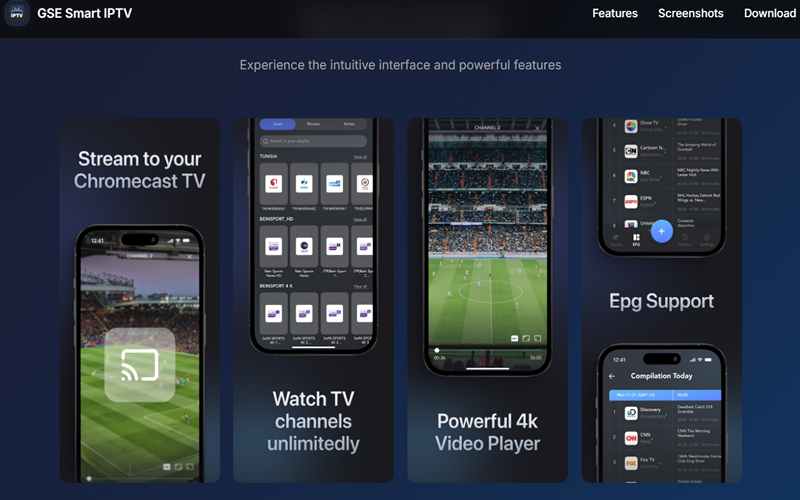
GSE Smart IPTV works as a flexible IPTV player particularly designed for Apple users. But an Android version exists too. It supports m3u playlists, Xtream Codes, and protocols like HLS and RTSP. So it adapts to almost any legitimate source you load. Similarly, viewers who switch between an iPhone, iPad, and Apple TV find cross-device sync smooth.
It also features Chromecast casting, the ability to download programmes offline, and a built-in EPG which can be used to keep track of match schedules. Fans who wish to watch EPL matches via their own subscribed service will enjoy a consistent viewing experience on all screens. Since it has more than five million users around the world, GSE focuses on countries with a high number of iOS devices such as the United States, the UK, and Europe, even though it also accepts Android homes.
Pros of Using GSE Smart IPTV
- Runs smoothly across iPhone, iPad, and Apple TV without extra setup.
- You can download shows and games for later viewing when you’re not connected to the internet.
- Supports unlimited playlists without any subscription requirement.
- Chromecast support makes casting to a bigger screen simple.
Drawbacks
- The app depends entirely on playlists and credentials you supply yourself.
- Android version lags behind the iOS build in polish and updates.
- Heavy protocol support can overwhelm first-time users during setup.
2. TiviMate
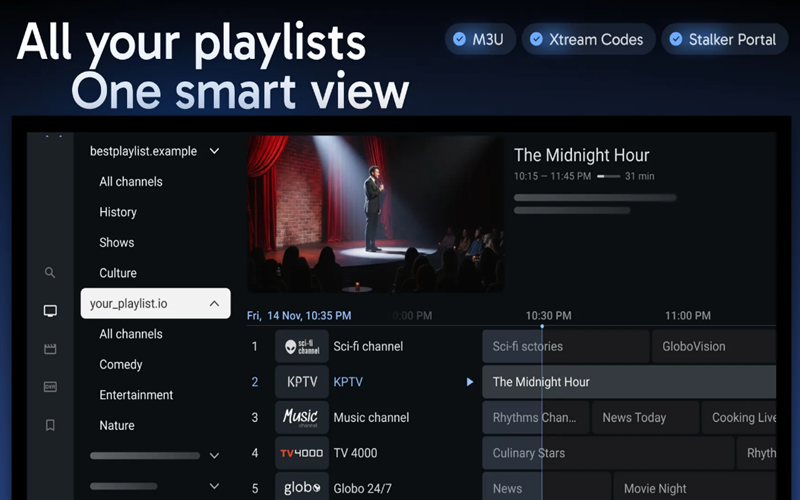
TiviMate is regarded as one of the top IPTV players among people who watch live sports on Android TV, Fire Stick, and Google TV. It can be used with either your own M3U playlist or an Xtream Codes login, meaning that it does not provide the channels itself. The programme features a clean cable-style guide and is able to switch between channels quickly.
Sports fans make use of the multiview feature so that they can watch NFL broadcasts live while also viewing other games on the same screen. The interface is well suited to viewing on a large screen and works naturally when using a remote control. The software is aimed at the US, UK, Canadian and other English-speaking areas where Android-based streaming devices are popular.
Pros of Choosing TiviMate
- Multiview lets you watch several NFL streams live at once.
- The EPG guide organizes channels and shows program times clearly.
- Catch-up and recording features let you replay missed sports moments.
- One premium license covers up to five devices at a low cost.
Drawbacks
- The app itself carries no channels or sports content.
- Amazon’s store doesn’t list the app, so Fire Stick users must sideload it.
- Stream quality still depends entirely on your own IPTV provider.
3. Kodi
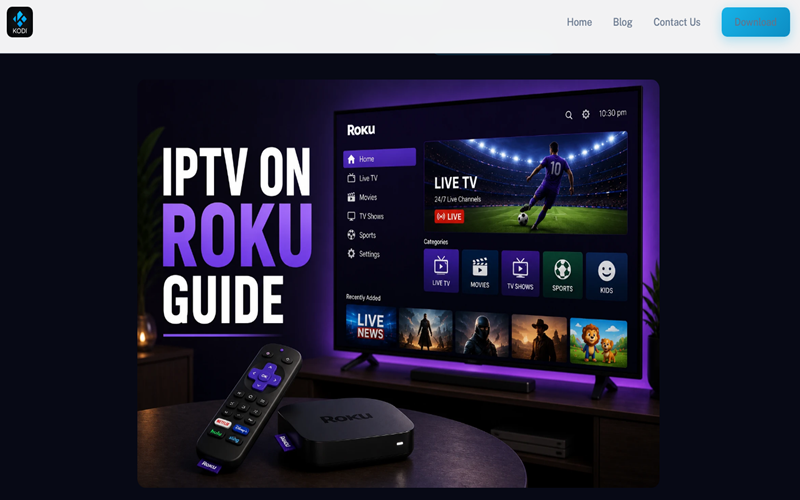
Kodi is most suitable for experienced users who desire complete control over their media system since it is available for Android, Windows, macOS, Linux and several TV platforms, all at no cost. With the use of the official IPTV Simple Client add-on, Kodi can function as a real IPTV player by loading M3U playlists and XMLTV EPG data from your own legitimate provider.
This setup lets you manage live TV, radio, and programme guide information in one place. People interested in the technical side will find Kodi rewarding, as it lets them customize skins, add legal add-ons, and keep their own libraries organised. It is advisable, however, to avoid using unauthorised sports add-ons or piracy repositories, as Kodi remains a neutral media platform and is entirely reliant on the sources you decide to include.
Pros of Kodi IPTV Player
- Runs on nearly every desktop, mobile, and TV platform available.
- The IPTV Simple Client add-on supports legitimate playlists and full EPG data.
- Deep customization lets advanced users build their own interface and library.
- It stays completely free and open-source, with no hidden costs.
Limitations
- The setup process demands more technical knowledge than most players.
- Add-ons vary in quality, so vetting each one takes real effort.
- The interface feels less polished than dedicated IPTV apps like TiviMate.
- Troubleshooting PVR settings can frustrate less experienced users.
4. Plex
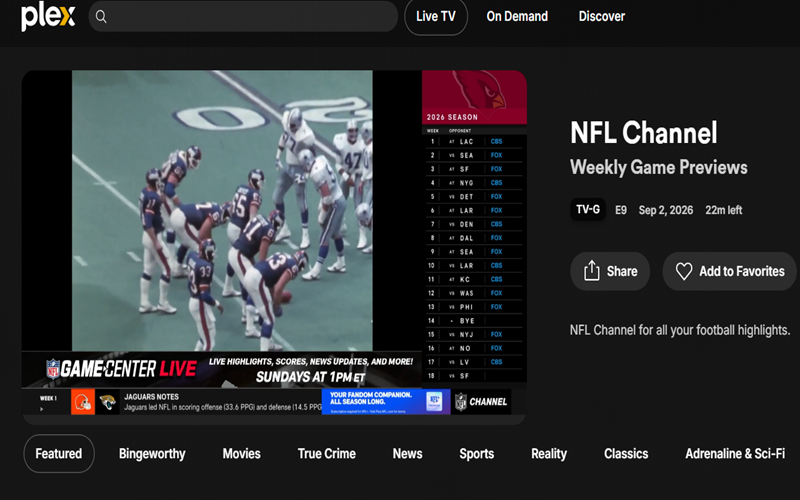
Plex takes a different approach from a traditional IPTV playlist player, blending live TV with your personal media library in one place. It pairs with an antenna and a compatible tuner to pull local broadcast channels, including news and sports programming, directly into its interface. A Plex Pass subscription unlocks DVR recording, so you can record local sports and shows to watch again later on any device.
Also, Plex runs across smart TVs, streaming devices like Roku and Apple TV, and mobile apps for Android and iOS. Instead of managing separate IPTV software or playlist apps, Plex organises recorded broadcasts alongside movies and shows already in your library, giving cord-cutters one unified viewing environment.
Advantages of Using Plex IPTV Player
- Combines live over-the-air TV with your existing movie and show library.
- Records local sports and news for on-demand viewing later.
- Works smoothly across smart TVs, streaming boxes, and mobile devices.
- Offers a clean, unified interface instead of separate apps.
Cons
- Requires buying a separate antenna and compatible tuner.
- Full DVR functionality sits behind a paid Plex Pass subscription.
- Live TV depends on local broadcast signals, not global IPTV playlists.
- Setup takes more effort than a plug-and-play IPTV player.
5. Jellyfin
Jellyfin remains fully open-source and free, so it appeals to users who want more control without a subscription attached. It functions as a personal media server first, though it also supports live TV through M3U playlists and tuner hardware like HDHomeRun.
Add-ons and community plugins extend it further for viewers who like to tinker. It runs across Windows, macOS, Linux, Android, Fire TV, Roku, and Android TV, giving it a wide device ecosystem. Jellyfin proves that solid, legitimate alternatives exist beyond the usual IPTV player names.
Pros of Jellyfin
- Stays completely free with no subscription or hidden license fees.
- Supports live TV setup through legitimate M3U sources and tuners.
- Offers deep customization through community plugins and themes.
- Runs on a genuinely wide range of devices and platforms.
Cons
- Live TV setup demands more manual configuration than dedicated apps.
- Official tuner support remains narrower than other options.
- Community-driven development can mean slower fixes at times.
- Lacks the polished, sports-focused interface some IPTV players offer.
6. VLC Media Player
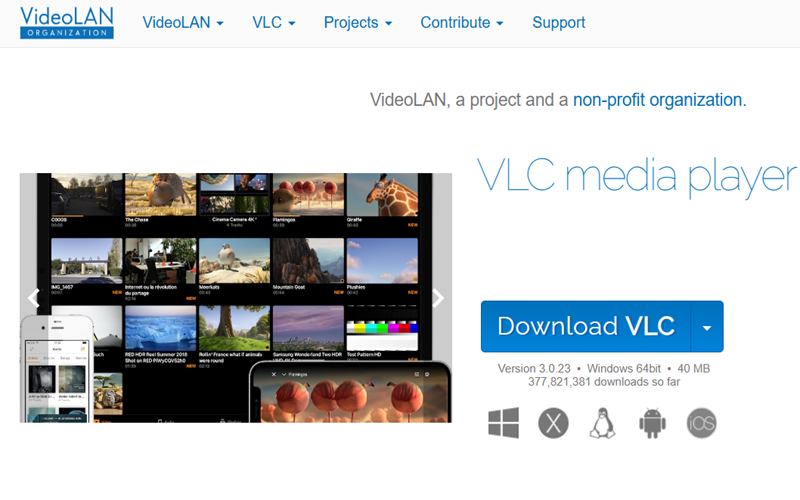
VLC Media Player is a lightweight IPTV solution, suitable for anyone who already has a legitimate stream URL or playlist. It is available on Windows, macOS, Linux, Android, and iOS, and it can play almost any audio and video format without extra codecs. Unlike TiviMate, it omits the sophisticated living-room interface and instead focuses on raw flexibility.
Plus, users can watch Spanish football streams live through their own network URL or playlist entered into the app. The software stays completely free, open-source, and free of ads or tracking. VLC suits users searching for a free IPTV player for PC or a simple IPTV player for Mac who value function over polish.
Pros of VLC Media Player as IPTV Player
- It runs smoothly on almost any operating system and device type.
- It costs nothing and includes no ads or subscriptions.
- You can play almost any video or audio format without using any extra plugins.
- Handles network streams and playlists directly through a simple menu.
Limitations
- The interface looks basic next to dedicated IPTV apps.
- It lacks a fully-featured built-in EPG or program guide.
- Setting up streams takes more manual steps than TiviMate.
- It lacks a native multiview option for watching several matches at once.
IPTV Player vs IPTV Provider: What’s the Difference?
An IPTV player and an IPTV provider serve two completely different roles, even though people often mix them up.
An IPTV player is just software or an app, like TiviMate, VLC, or GSE Smart IPTV. It organizes channels, displays an EPG, and plays back video. The player itself holds no content and streams nothing on its own. It simply reads whatever playlist or login you feed into it.
An IPTV provider supplies the actual content. This means the channels, sports feeds, movies, and shows are delivered through an M3U playlist or an Xtream Codes login. The provider handles licensing, servers, and subscription plans, and legitimacy depends entirely on this layer, not on the player.
In short, the player is the tool, and the provider is the source. A great player like TiviMate means nothing without a legitimate provider behind it, and a solid provider still needs a reliable player to display its channels properly.
Which IPTV Player Is Best for Live Sports?
Sports fans need speed and organization more than fancy extras. A strong IPTV player switches channels instantly, keeps an accurate EPG, and sorts channels cleanly so nothing gets lost during a live match. Support for multiple playlists helps when you follow more than one provider, while catch-up and recording cover missed games. Multi-screen or picture-in-picture lets you watch two matches together, and smooth remote navigation plus 4K playback round out a solid setup.
So, we found TiviMate is an ideal choice for live sports streaming. Its fast zapping and real multiview mode make it easy to track NFL streams live alongside other games. GSE Smart IPTV closely trails for Apple users, offering flexible playlists and offline downloads but no true multiview.
Kodi gives advanced viewers full control over EPG and organization, though setup takes more effort. VLC handles a single legitimate stream well but skips EPG and multiview entirely. Plex suits fans who already record local sports through an antenna, while Jellyfin offers a free, open option with basic live TV support. For dedicated sports fans, TiviMate is the top choice, while GSE Smart IPTV is ideal for Apple users.
Best IPTV Player for Firestick
TiviMate and IPTV Smarters Pro both work well on Fire TV Stick and Fire TV Cube. TiviMate offers a cable-style guide and real multiview, though full features need a premium license. Smarters Pro stays free and supports M3U playlists, Xtream Codes, EPG, and parental controls. Neither app sits in Amazon’s store, so both need sideloading through Downloader. TiviMate feels more polished for sports, while Smarters Pro wins on cost.
Right IPTV Player for Android TV
TiviMate is the leading choice on Android TV and Google TV devices because you can install it directly from Google Play, so there is no need to sideload it. The programme guide, multiview feature, and quick channel switching are all well suited to viewing on a large screen using a remote control. Although a premium licence is required for recording and multi-screen arrangements, the free version still runs smoothly enough for testing.
Best IPTV Player for Apple TV
GSE Smart IPTV is available on Apple devices, offering native support for iPhone, iPad, and Apple TV. It supports M3U playlists and Xtream Codes, includes a built-in EPG, and can cast to Chromecast. IPTV Smarters also features an Apple-compatible listing which links via Xtream Codes or M3U sources. However, in each case, you will need your own legitimate playlist since neither hosts any content.
Suitable IPTV Player for Windows and Mac
VLC works reliably on Windows and Mac, playing nearly any format without extra codecs. It suits anyone who already has a legitimate stream URL or playlist ready. Kodi also runs on both systems, and its IPTV Simple Client add-on adds proper EPG support. VLC is great for quick playback, while Kodi suits viewers who want more customisation.
Best IPTV Player for Smart TVs
Smart TV compatibility depends on the operating system. That is because Samsung and LG use their own smart TV app stores instead of Google Play. Tizen and webOS models typically use Smart IPTV (SIPTV) or Smart STB, paired through the TV’s MAC address and a separate web portal. Android TV-based sets from Sony, Hisense, and TCL support TiviMate and Smarters Pro directly through the Play Store. No single IPTV player works natively on every smart TV, so check your TV’s operating system first.
Final Words
Choosing the right IPTV player comes down to your device and how you watch live sports. Likewise, TiviMate are good for Android TV and Firestick users who want fast channel switching and multiview. On the other hand, GSE Smart IPTV fits Apple households best. Also, VLC and Kodi work well on desktop for those who already have a legitimate stream ready. If we talk about Plex and Jellyfin, they appeal to viewers who prefer a personal media setup over a dedicated IPTV interface.
Whichever player you pick, remember that none of these apps provides channels or contents themselves. Each one only organises and plays streams from a playlist or provider you supply, so always use a legitimate source when setting one up.