A logo is the foundation of a brand’s identity. From websites to product boxes, a strong logo helps people recognize and remember your brand. That is why having a strong logo matters, whether you have a small business, a YouTube channel, or a big company. Today, free AI logo makers are popular among small businesses looking for a quicker, cheaper way to create logos without hiring a designer.
In this article, we will explore free logo generator platforms that are genuinely free, offer copyright-free templates, and let you download logos without watermarks.
What is a Logo?
Dating back to 1876 when Bass Brewery registered the red triangle, a logo is a brand’s visual calling card. It combines text, icons, and colors to express the brand’s identity and values, ensuring it stands out to customers.
The Best Logos Ever Made
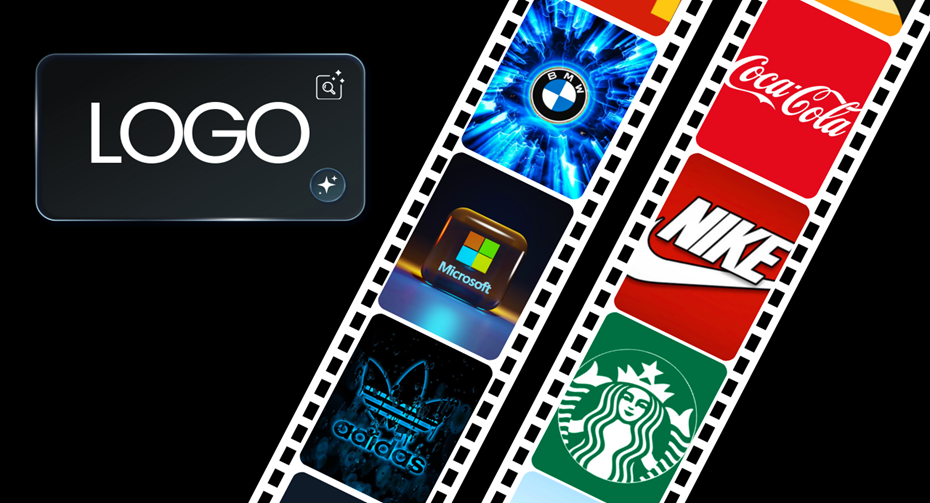
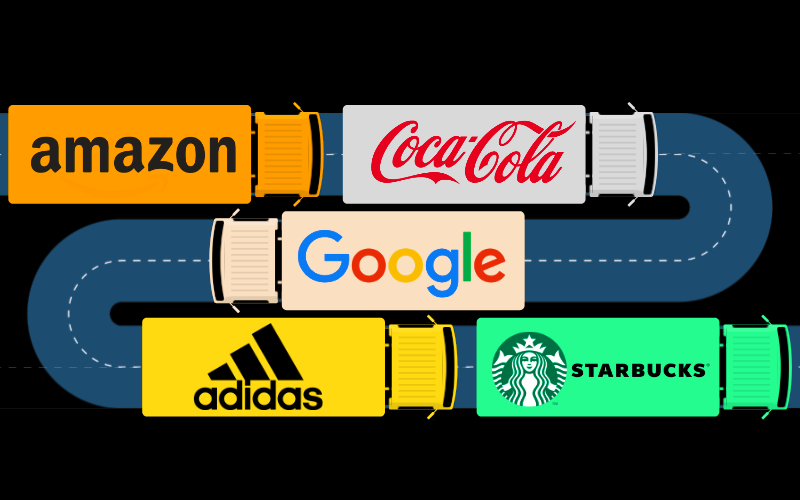
Many big brands have great logos, but the most memorable ones are Nike, Apple, McDonald’s, Amazon, Coca-Cola, Google, BMW, Starbucks, Microsoft, and Adidas. These logos stand out because they are simple, easy to recognize, and emotionally connect with people. This shows that a simple design is often better than a complicated one.
Top Free Logo Makers of 2026
Here is a list of the best free online logo makers to check out in 2026.
1. Canva
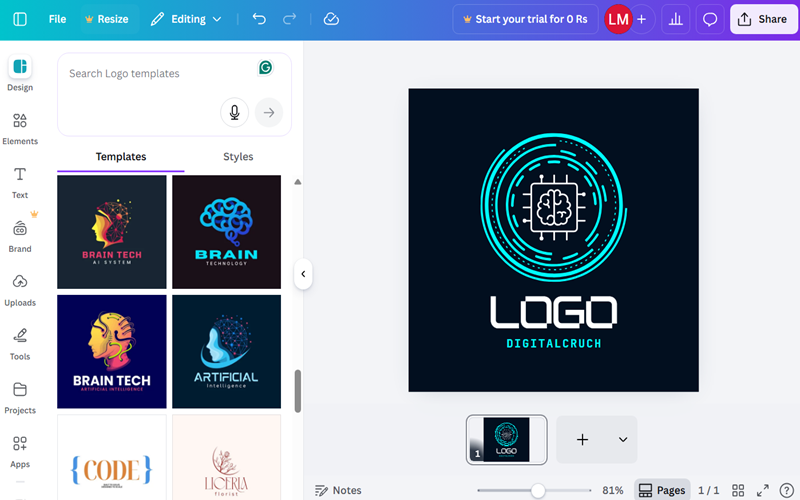
Canva is a top free logo maker, with over one million templates and more than 20,000 free options. Its drag-and-drop tools, AI features, and easy interface help anyone create professional logos for free. You can fully customize colors, backgrounds, shapes, fonts, spacing, and gradients.
With Canva’s robust ecosystem, you can design logos and easily match them with business cards, ads, Instagram posts, and YouTube thumbnails. You can integrate Canva with platforms like Slack, Microsoft Teams, and Google Workspace to share designs with your team and streamline workflows. With either Canva Free or Pro, you can make logos for commercial purposes and even sell them without worrying about copyright.
Similarly, you can download your customized logos in watermark-free PNG format. Just make sure to create a Canva account before getting started.
Limitations
- Many icons, fonts, and design elements are locked unless you upgrade to Canva Pro.
- The free plan limits downloads to low DPI; SVGs, transparent PNGs, and print-ready PDFs aren’t included.
2. Adobe Express
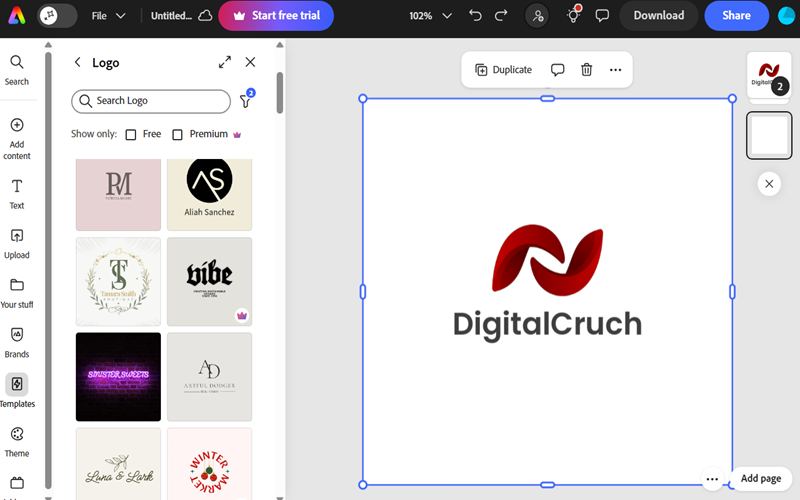
Adobe Express is a solid name on our list, putting brands in the driver’s seat with 132 shapes, 130,000+ design assets, and 4,000 fonts to craft professional logos for free. This easy-to-use logo generator empowers websites, YouTube channels, small brands, and even enterprises to design everything from static logos to animated designs.
Powered by Adobe Firefly, it also makes it easy for non-technical users to leverage AI and design commercially safe logos without copyright concerns. On the download side, you can export logos in PNG, JPG, JPEG, PDF, MP4, and GIF formats, all without a watermark. Background removal is available for a limited time, but the free version does not support exporting as a transparent PNG.
For team collaboration, you can work side by side in real time, leave feedback, mention colleagues, and share links without missing a beat. Besides, this free logo maker shines with 5GB of cloud storage and smooth performance across both browsers and mobile devices.
Limitations
- The free version of Adobe Express limits access to advanced editing tools and doesn’t let you create a full brand kit with colors, fonts, or logo variations.
- Free plan users get access to premium formats like PDF and SVG, but only for a short window of time.
- The lack of transparent backgrounds, high-resolution options, and print-ready capabilities is also a drawback.
3. Design.com
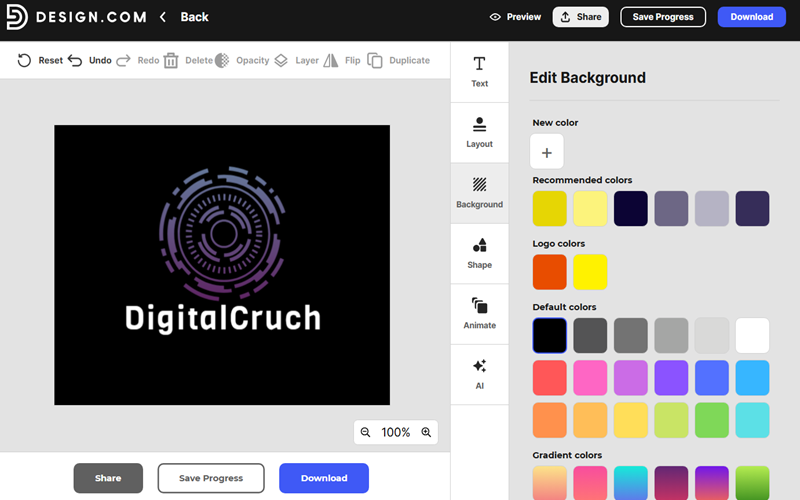
Design.com stands out as a top logo maker, offering 360,000 templates, including 9,600 free ones. Packed with 50+ design tools, hundreds of fonts, and vector shapes, this AI-backed logo maker lets businesses craft professional-grade logos with ease. Additionally, Design.com also boasts a treasure trove of logo templates covering niches from gaming and cars to restaurants, fashion, gyms, and beyond.
While this AI logo maker is still gaining recognition, the option to download logos in multiple formats with transparent backgrounds puts it a cut above the competition. Yes, you can download files in multiple formats, including PNG, JPG, SVG, PDF, and EPS. By the same token, it lets you grab PNG logos with a transparent background without skipping a beat.
Easy link sharing and smooth integration with external apps are just a couple of the perks that make this platform a cut above the rest.
Limitations
- On the free plan, you can’t download most commercial-ready files, including SVG, EPS, PDF, high-res PNG/JPG, GIF, and MP4.
- The interface can feel clunky at times, with freezes and frequent upgrade prompts that throw a wrench in the workflow.
4. BrandCrowd
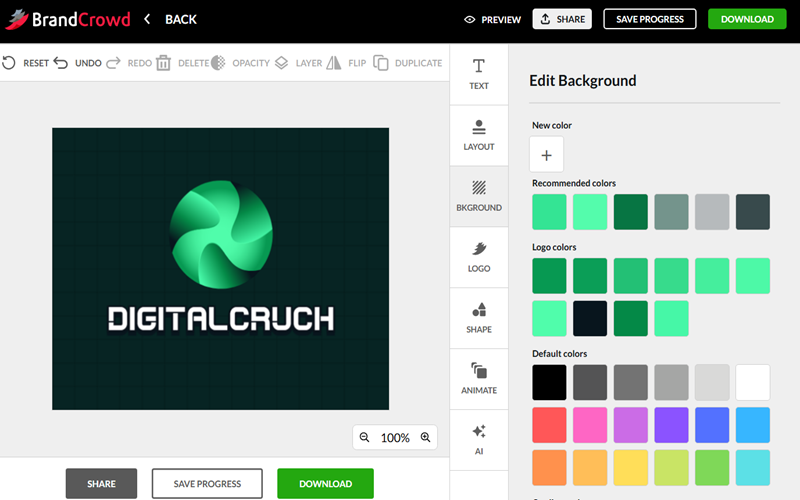
BrandCrowd is widely regarded as one of the best logo makers online, enabling you to create a logo in seconds. By offering 350,000+ exclusive logo templates and over 1 million designs created by professional designers, the platform makes branding easy and quick for businesses of any size. Indeed, BrandCrowd is ideal whether you want bakery, sports, education, or restaurant logos.
On the download front, each logo comes ready to roll with a full set of files, including SVG, EPS, PDF, PNG, JPG, GIF, and MP4, all featuring transparent backgrounds. Furthermore, with over 50 branding tools for websites, business cards, social media, presentations, and QR codes, the platform helps brands maintain visual consistency across channels.
BrandCrowd also includes automatic color syncing, seamless social media sharing, and integration with third-party platforms.
Limitations
- Pricing is not fully transparent on the site, and most premium features are locked behind paid plans.
- If you don’t customize them extensively, templates may seem generic, and the designs are typically non-exclusive.
5. Shopify Logo Maker
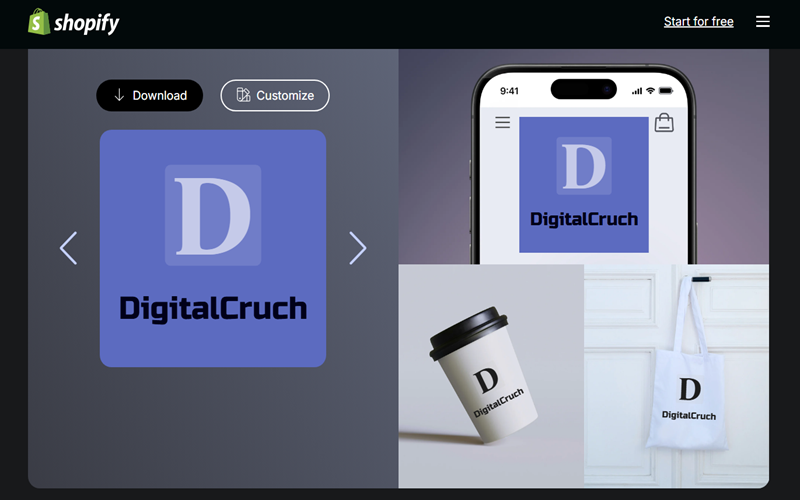
Formerly called Hatchful by Shopify, this free logo maker helps you build high-resolution logos from a library of 13,000 curated templates. Shopify Logo Maker is ideal for brands running online stores on Shopify, as it lets them design and upload logos within the same platform. However, you can also use its built-in free branding kit for projects outside of Shopify.
On the design side, this completely free logo maker offers bold colors and clean fonts that work anywhere. Plus, Hatchful by Shopify lets you download crisp-quality SVG and PNG files without a watermark, at no cost. On top of that, Hatchful generates files ready to go on social platforms such as Facebook, Pinterest, Twitter, LinkedIn, and YouTube.
Thanks to deep customization, full control, and guided recommendations, the tool stays a step ahead of other online logo makers, even for beginners.
Limitations
- You won’t be able to upload your own images, and downloads are mostly confined to PNG, not vector formats.
- Hatchful offers basic editing and relies on preset templates, making it unsuited for complex or unique branding.
6. Namecheap Logo Maker
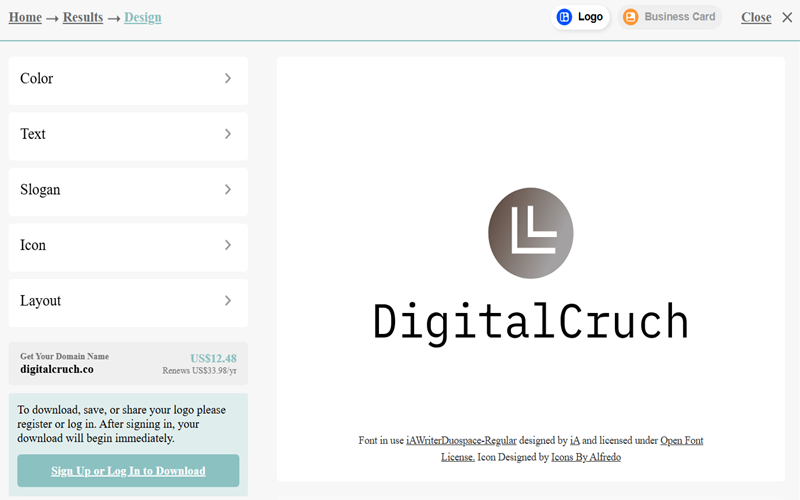
While Namecheap is famous for hosting and domains, it’s also a handy free tool for designing polished, professional logos. So, if you are a website owner, marketer, or startup and need a fully free logo with downloadable SVG or PNG files, which many other free tools don’t provide, Namecheap has you covered. Indeed, providing vector-quality logos for free clearly sets it apart from the competition.
With Namecheap, creating a logo is easy. Pick your fonts, colors, and design style with AI, and your logo is ready. You can edit and download it unlimited times, watermark-free, all for free. On top of that, these print-ready logos are ready for commercial use.
Limitations
- Customization is limited on Namecheap Logo Maker. Also, it relies on ready-made templates, and you can’t upload your own images.
- Unlike Canva or Adobe Express, it falls short for complex branding and lacks supplementary brand assets, so that some logos may need a finishing touch.
- Some templates feel generic, so logos created from them might look like other designs.
7. DesignEvo
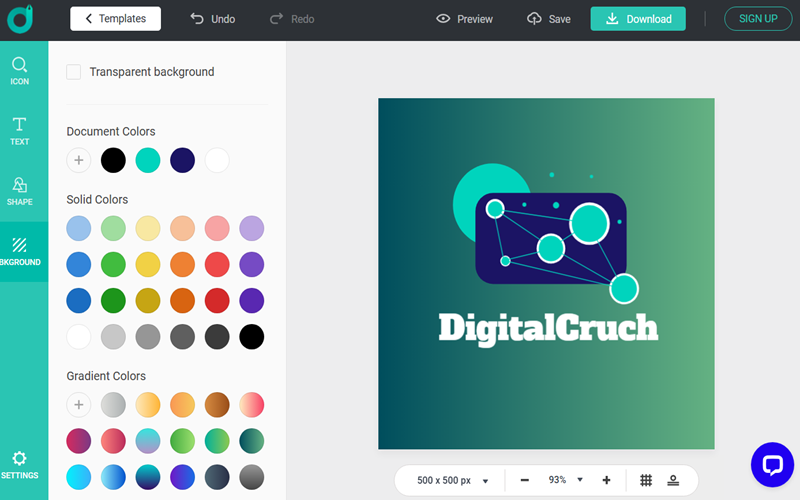
Do you need a custom logo with copyright rights in under five minutes? DesignEvo has you covered, featuring 10,000 templates and over 100 fonts across multiple styles. Equipped with handy editing tools, flexible color schemes, and millions of free vector icons, DesignEvo gives beginners all the customization they could ask for, at no cost.
You can confidently use this free logo maker for your small business, website, software, app, social media or brand. When downloading, DesignEvo lets you download high-quality PNG, PDF, and SVG files without watermarks. Additionally, its cloud-based editing makes it easy to save and modify your templates anytime online.
Limitations
- Freemium logos are available in low-resolution PNG or JPG formats, while vector formats like SVG or PDF are restricted to paid subscriptions.
- With free exports, you might see minor credits, and some branding features could be unavailable depending on the terms.
- Limited customer support, no full commercial rights, and the absence of branding kits are additional drawbacks of the free plan.
8. AI Logo Maker by VistaPrint
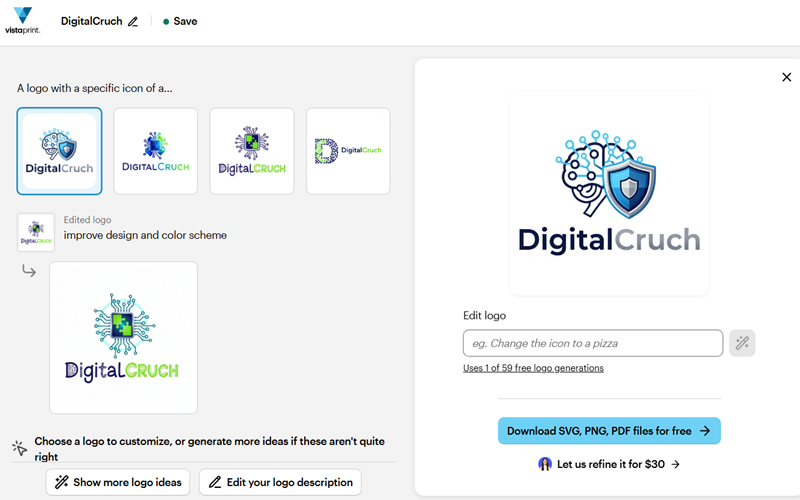
Known for its e-commerce solutions, VistaPrint offers a variety of digital and print marketing products. From business cards to flyers, it also gives businesses the tools to design professional logos for free. With 2 million brand kits, 200+ categories and AI trained on real business designs, VistaPrint is a top pick for small brands, agencies, and creators looking to craft professional logos without any design know-how.
Give the AI the right prompt, and it will churn out engaging, copyright-free logos with ease. From there, you can tweak your design as much as you like, thanks to VistaPrint’s limitless editing options. When it comes to downloading designs, VistaPrint doesn’t compromise on quality. You receive 4000×4000 pixel images, completely free of watermarks. Whether you need SVG vectors, PNGs, or PDFs, VistaPrint lets you download your logos in whichever format suits you best.
Limitations
- Since VistaPrint uses shared templates, icons, fonts, and shapes from a public library, logos created here may not be unique. So, due to copyright or trademark restrictions, full ownership of the logos is not guaranteed.
- You can’t upload your own graphics on this platform.
- The lack of an advanced branding ecosystem and the limited customization options are additional drawbacks of this AI logo maker.
9. Logomaster
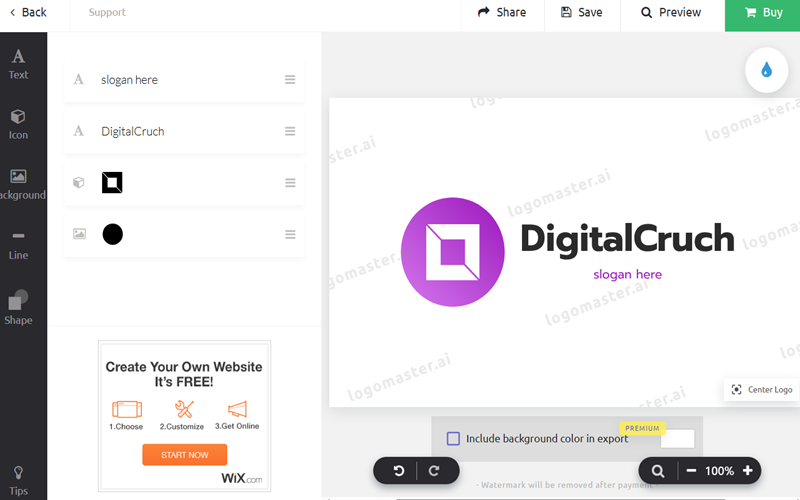
With the trust of 3,000+ companies worldwide, Logomaster comfortably makes the cut as a recommended free tool on our list. Thanks to 100+ logo templates and modern editing tools, brands, agencies, creators, and social media platforms can design polished, high-end logos with ease.
Whether for web or print, you get sharp, high-resolution files around 4096px that are ready to use. On top of that, it gives you the freedom to download logos in formats like PNG, PDF, EPS, and SVG, ready for any use. Besides, you can smoothly connect this AI-powered logo maker with Wix.com and handle both logo creation and website building without friction.
Limitations
- Free templates are limited, and since customization relies on preset designs, logos can feel generic with restricted fonts, colors, and icons. Also, free templates don’t come without a watermark.
- Many of the icons look old-fashioned or overly simple, making it harder to create a polished, professional logo.
- Logomaster also falls short in a few areas, including limited human touch, possible ownership concerns, and fairly shallow branding options.
10. Tailor Brands Logo Maker
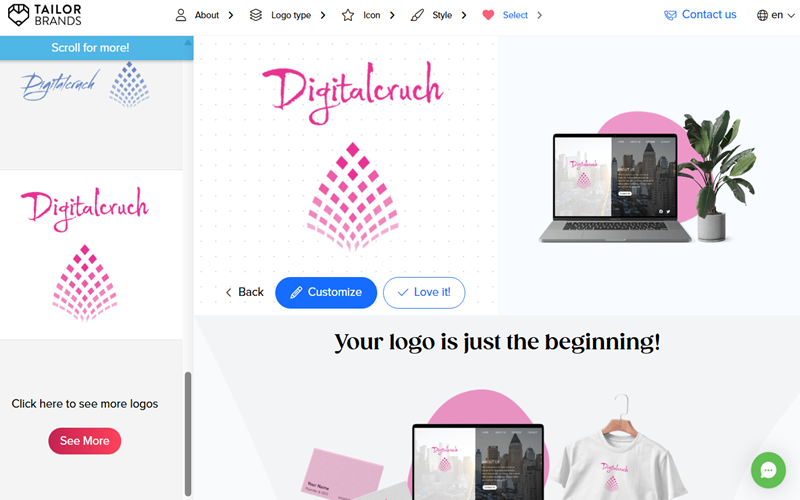
Tailor Brands uses AI to help entrepreneurs and small businesses design logos, build websites, and handle other brand assets, even without design skills. With over 100 logo templates designed by an AI algorithm and 21 size options, Tailor Brands is definitely worth using for logo design for agencies, brands, and creators. Here, you will find plenty of unique logo ideas for weddings, fitness, photography, bakeries, restaurants, and coffee businesses.
Whether designing a free logo or buying one, Tailor Brands grants you full commercial rights, giving you complete ownership. When it comes to downloads, Tailor Brands lets you grab your logos in vector files like EPS, SVG, or PNG, ready for any use.
Limitations
- The free plan doesn’t support high-resolution files. Getting high-resolution files requires a subscription, which can be pricey and tricky to cancel.
- Its editor is fairly rigid, offering limited customization, which can make tweaking elements a challenge and result in logos that feel cookie-cutter.
FAQs About Free Logo Makers
What are the best online logo makers?
Some of the top online logo makers are Adobe Express, Canva, Hatchful by Shopify, DesignEvo, and VistaPrint.
Which free logo makers let you download logos without a watermark?
Getting logos for free, watermark-free, is rare. Canva and Adobe Express sometimes allow it, whereas paid plans on Tailor Brands and Shopify guarantee watermark-free downloads.
Which logo generators let you download logos with a transparent PNG background?
Transparent PNG downloads are typically available only with paid plans. Canva Pro, Adobe Express, Tailor Brands, and DesignEvo all support them, allowing logos to be used anywhere without hassle. But resolution quality could be compromised in free plans.
Which logo platforms allow exporting logos as SVG or vector files?
High-quality vector files like SVG or EPS are usually available only with paid plans. Adobe Express, Tailor Brands, DesignEvo, and Shopify offer them, while free users generally get only low-res PNGs.
Which logo makers are best suited for professional branding?
Adobe Express: Great for full creative control and high-quality files.
Canva: Easy-to-use, with professional templates and layouts.
Tailor Brands and Logomaster: AI-assisted logos with good commercial licensing.
Free vs. Paid Logo Makers — which should I choose?
Free platforms like Canva, Adobe Express, and Hatchful work well for simple logos or small projects. You can design, download, and use logos for free, though resolution, file types, and customization options may be limited.
If you need more professional branding, paid tools like Adobe Express Pro and Canva Pro offer access to vector files, high-resolution downloads, transparent backgrounds, advanced templates, and commercial rights.
Which are the best free logo generators?
Canva, Adobe Express, and Hatchful by Shopify stand out as the most trustworthy free options, letting you design logos with decent-quality downloads and very few restrictions.
Which are the best paid logo makers?
DesignEvo, Adobe Express Pro, and Canva Pro deliver crisp, vector-ready logos with full commercial rights, robust customization, and multiple export options, making them perfect for professional branding.
How do I choose colors for my logo based on the industry?
Tech & Software: Blue, gray, black — conveys a sense of trust and forward-thinking.
Fitness & Health: Green, orange, red — radiates energy and vitality.
Food & Beverage: Red, yellow, and brown — stimulate appetite and create a sense of warmth.
Finance & Law: Dark blue, black, gold — signals reliability and professionalism.
Beauty & Fashion: Pink, purple, gold — exudes creativity and elegance.
Can I use logos from these makers commercially?
Yes, but check licensing. Free logos from Canva, Adobe Express, or Hatchful can usually be used commercially, but paid plans from Tailor Brands or Canva Pro give you full ownership rights.
What qualities help a logo leave a lasting impression?
Memorable logos are simple, distinctive, and align with your brand identity. They scale well and work across formats, and even AI-generated logos shine brighter with a touch of human creativity.
Final Words
Whether it is free tools like Canva, Adobe Express, and Hatchful or AI-powered platforms like Tailor Brands and Namecheap, logo makers today make designing a logo quick, simple, and available to everyone. Free tools are perfect for small projects or beginners, while AI-assisted platforms deliver smart suggestions and professional templates for polished results.
Even with advanced technology, the human touch is crucial. Yes, adjusting colors, layouts, and distinctive elements ensures your logo genuinely represents your brand and stands out from the crowd.