


If you design for a living, you have felt the shift. Clients want concepts fast, and marketing teams need fresh visuals every week. Here, blank-page syndrome doesn’t pay the bills. That is why AI illustration generators solve a real problem here. They turn a rough idea into a usable visual in seconds, not hours. Yes, recent reports by Morphed AI claim that 150 million individuals use AI image generators each month. Similarly, a report by Grand View Research forecasts that the AI image generator market will hit $1.08 billion by the end of 2030.
Although growth is massive, but here is the catch. You must agree that not every tool does the same job. Some nail painterly, artistic looks. Others handle text inside images better than anyone. A few focus on vectors you can actually edit in your favorite software. Picking the wrong one wastes your time and your budget. So let’s walk through the nine tools worth your attention this year, and where each one actually shines.
Top AI Illustration Generators that Professional Designers Must Try
Let’s take a deep look at the leading Illustration software backed by AI.
1. Adobe Firefly
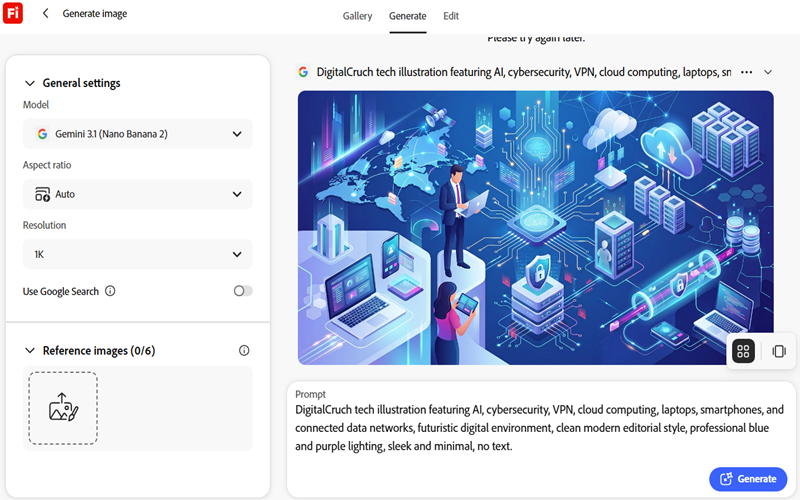
Adobe Firefly is another great illustration tool on our list with wide community support. Its biggest advantage is not raw image quality. It is where the tool lives. Firefly sits directly inside Photoshop, Illustrator, and Adobe Express. That means you can fetch art drops straight into your existing files without exporting and re-importing anything.
This functionality matters a lot for professionals already in Creative Cloud. Likewise, Generative Fill in Photoshop, Text to Vector in Illustrator, and Generative Expand all run on Firefly under the hood. Adobe also trains it on licensed and public domain content, so agencies with strict IP policies lean on it for client-safe commercial work.
Unlike Midjourney, Firefly has a genuine free plan with a small monthly credit allowance and watermarked output on some features. Withal, Firefly Standard starts around $9.99 a month for 2,000 generative credits. If we talk about Pro and Premium plans, they add more credits and access to partner models like Google Veo. If your team already pays for Creative Cloud, Firefly often comes bundled in at little to no extra cost.
2. Ideogram
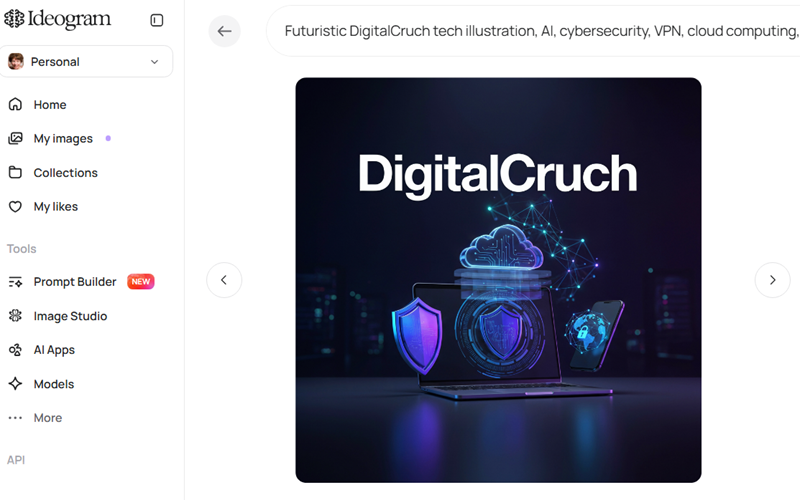
With Ideogram 4.0 and 3.0 models, this AI tool is another great option on our list. Mainly, it addresses the pain of AI tools mangling text inside images. Fortunately, Ideogram fixed that problem better than almost anyone else. Its models render legible words, logos, and typography with accuracy that competitors still struggle to match.
This feature makes it the obvious pick for posters, social ads, event graphics, and any design where the words matter as much as the visuals. That is why marketers use it to generate on-brand social graphics with headlines baked right into the image, skipping a separate text-overlay step entirely.
Ideogram offers a free tier with a limited number of daily prompts, enough to test the model before committing. Its Plus plan generally starts around $15/month (discounted rate) for individual creators, with higher tiers unlocking more credits, faster queues, and private generations. Pricing shifts fairly often here, so check the current numbers before you budget a project around it.
3. Recraft
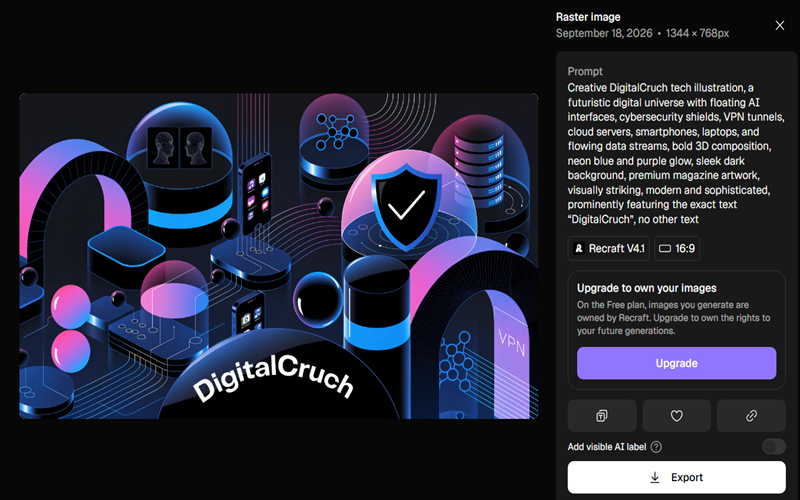
Do you only consider Recraft one of the best logo generators or video generators? If so, you are wrong. Recraft solves a problem most illustration generators ignore completely: editable vectors. Instead of handing you a flat raster image, it can output true SVG files you can scale, recolour, and adjust in Illustrator or Figma without losing quality.
These functionalities make Recraft a favorite for icon sets, brand assets, and UI illustrations that need to stay crisp at any size. It also supports a “design language” feature. This property lets you lock in a consistent style across dozens of generated assets, useful when you’re building an entire icon library that needs to feel cohesive.
The free plan gives you a daily batch of credits for personal projects, though images stay public and lack commercial rights. However, the Basic plan starts around $10 a month and adds private generation plus full commercial usage. The Basic plan includes 1k credits monthly across several AI models. If you are talking about vector outputs, they typically cost a bit more per generation than raster images because they do more computational work under the hood.
4. Leonardo.Ai
Leonardo is another leading AI art and video generator. It built its reputation on character consistency, a huge deal for game studios, comic creators, and anyone doing concept art. You can generate a character once. Then keep that same face and outfit across dozens of new poses and scenes.
Beyond characters, Leonardo offers fine-tuned models trained on specific art styles, plus a canvas editor for inpainting and outpainting directly inside generated scenes. It is now part of the Canva family too. This means Canva Business subscribers get Leonardo’s generation power folded into their existing design workflow.
Its free tier gives you 150 tokens a day, which is enough to explore the platform before paying anything. The Essential plan starts at $12/month for Apprentice. Here, you can unlock private generations and commercial rights. If you want to scale up, you can go to $60 for Maestro, with the fastest queues and highest concurrent generation limits.
5. Flyne AI
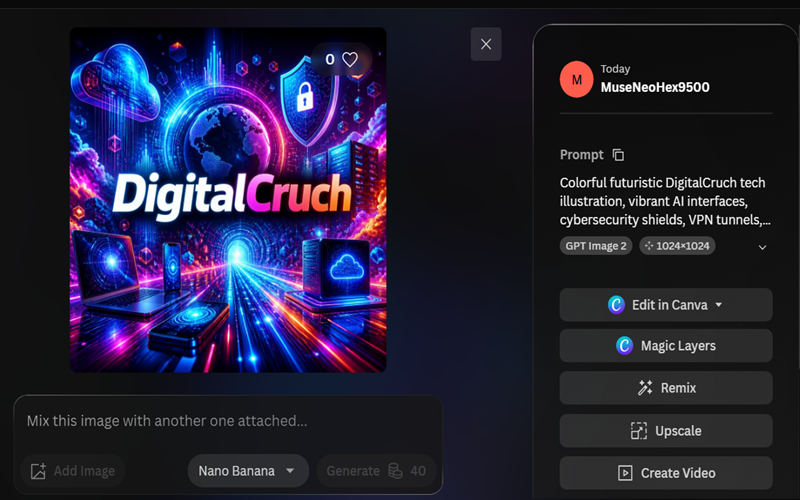
Flyne AI comes from Black Forest Labs, a team founded by researchers who previously worked on Stable Diffusion. Today, Flyne AI is known for its powerful AI image generation capabilities and is widely used to create detailed illustrations and creative visuals. Its models consistently rank near the top of image-quality benchmarks, often trading blows with the biggest closed-source competitors on prompt accuracy and photorealism.
Flyne’s major capability that differentiates it from rival tools is its flexibility. Some model variants use open licenses that let you run them yourself, while hosted API options provide production-ready quality without requiring you to manage the infrastructure. Developers can also use Flyne AI to add illustration features to their own apps while maintaining greater control over the workflow.
The lightweight Schnell model is free and open under the Apache 2.0 license, allowing you to self-host it and generate images at your own computing cost. Hosted API access to the higher-quality Pro and Flex models charges per image, with the cost varying by resolution and model. Instead of a fixed monthly subscription, this pricing model lets your costs scale with the number of images you generate.
6. Midjourney
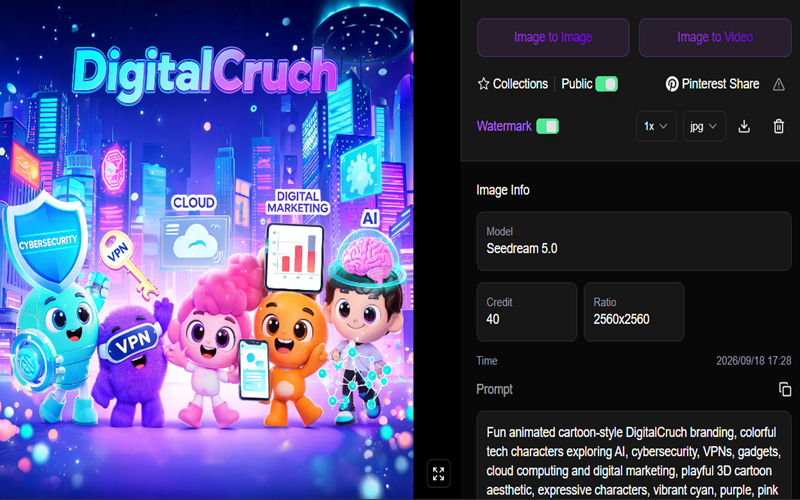
Midjourney remains the gold-standard AI illustration generator on our list. You can ask it for a moody watercolour forest or a stylised sci-fi character. Similarly, it delivers something that looks handcrafted. As a designer, you can pick Midjourney when a project needs mood, texture, or a distinct visual voice rather than technical precision.
In addition, this tool runs through Discord or its own web app now, and prompting still rewards experimentation. You can simply describe a scene, tweak the wording, and refine through variations until the image matches your vision. Designers also find it especially good for handling character concepts, book covers, album art, and moodboards.
However, Midjourney no longer offers a free plan. Its pricing starts at $10 a month for the Basic plan, which caps you at roughly 200 fast GPU minutes and limited images. Serious users usually land on the Standard package. This plan costs $30 a month and unlocks unlimited slower-speed generations. The Pro program starts at $60. It adds Stealth Mode, which keeps your work private, a real plus for client projects.
Still, you don’t find any true API as a casual user. So this stays a manual, prompt-driven workflow rather than something you would wire into an app.
7. Stable Diffusion
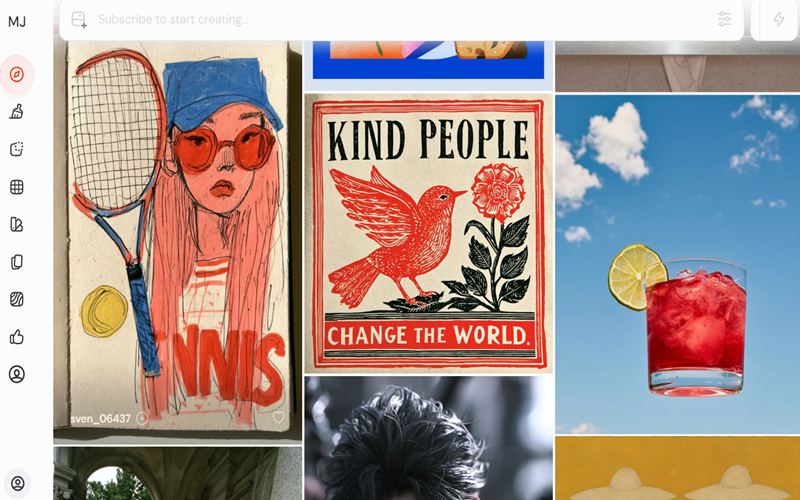
Stable Diffusion remains the backbone of the open-source AI art community. Because the model weights are freely available, developers, artists, and researchers have spent years building custom checkpoints, plugins, and interfaces on top of it.
That openness is the whole appeal. You get full control over the model, no content restrictions beyond what you build in yourself, and the ability to train custom versions on your own style or brand assets. Digital painters also use it through plugins like Krita’s Stable Diffusion integration, blending AI generation with real hand-painted brushwork in a single canvas.
When it comes to Stable Diffusion pricing, the Free plan comes with 20,000+ models, Remix-generated images, and free image downloads. In contrast, its Love package costs $5/month and offers access to more advanced features.
How to Choose the Right AI Illustration Generator?
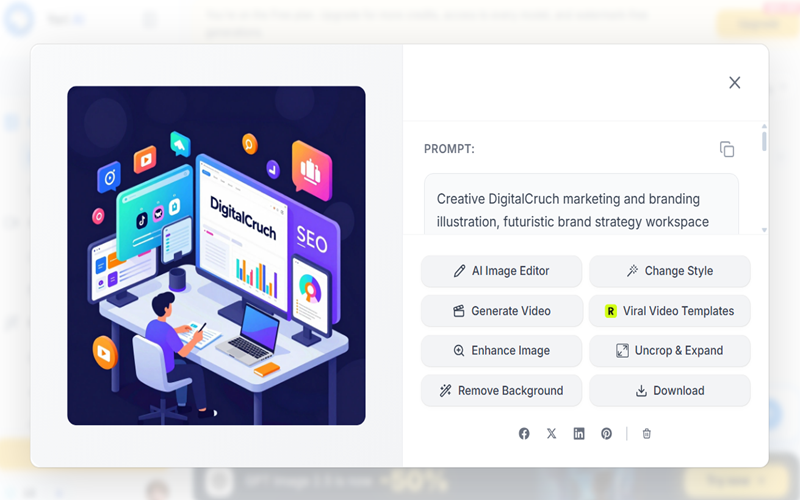
Forget comparing feature lists side by side. Start with what you actually need. If your priority is artistic mood and painterly style, Midjourney wins easily. If your designs live and die on legible text, Ideogram solves a problem the others still struggle with.
Need editable vector output for a logo or icon set? Recraft is the only tool on this list built specifically for that. Working inside Photoshop or Illustrator all day? Firefly saves you the export-import shuffle entirely. And if budget matters more than anything else, several of these tools offer solid free graphic tools to experiment with before you spend a cent, particularly Canva, Leonardo, and Stable Diffusion’s self-hosted route.
Commercial rights matter too. Free tiers on Midjourney’s competitors and several other platforms often restrict commercial use of generated images, or make them public by default. Read the fine print before you build a client deliverable around a free-tier image.
AI Illustration Generators for Different Design Projects
Different projects call for different tools, so think in terms of output rather than platform loyalty. Social media graphics benefit from Canva AI or Ideogram, since both let you bake text and branding straight into the image. Marketing decks and presentations move faster in Canva or Firefly, given their native integration with slide and layout tools.
Posters and event graphics lean toward Ideogram for its typography strength, though Recraft handles anything that needs to scale to a large print size without pixelation. And if you’re building event invitations, several platforms also double as capable invitation makers. Generate custom artwork, then drop it into a template in the same app instead of juggling separate design software.
Right AI Tools for Branding and Business Design
Branding work has its own demands. Consistency across every touchpoint matters more than a single striking image. Recraft’s design-language feature and Leonardo’s character-consistency tools both help here, letting you generate a family of assets that actually look like they belong together.
Early-stage concept work also overlaps with logo generators. Many businesses start by generating rough icon or symbol concepts in a tool like Ideogram or Midjourney, then hand the strongest direction to a designer for refinement, or run it through a dedicated logo generator for vector cleanup. Treat AI output here as a starting point rather than a finished asset, since trademark and originality concerns matter a lot more for a logo than for a one-off social graphic.
AI Illustration vs Traditional Design Software
AI illustration tools are remarkably good at generation, but they’re not a full replacement for traditional software yet. You’ll still want a proper vector editor for precise logo work, a photo editor for detailed retouching, and dedicated layout tools for multi-page documents.
The gap widens further once motion enters the picture. If a project needs animated characters, 3D product renders, or a full explainer video, you’ll eventually hand your AI-generated concepts off to 3D animation software for modelling, rigging, and rendering. Think of AI illustration as a fast concept-and-asset layer, with traditional tools handling the precise, technical production work that follows.
Final Thoughts
In short, no single AI illustration generator is best these days. Honestly, chasing one misses the point. The right choice depends entirely on what you are building. Artistic concept art points you toward Midjourney. For text-heavy graphics, we point to Ideogram. For editable vector work, our guide will suggest Recraft. On the other hand, if you are budget-conscious and already working in Canva or Adobe, you’ll get the most value from tools built into your workflow.
Therefore, try two or three that match your actual use case before committing to a subscription. Most offer a free tier or trial, so testing costs you nothing but a little time. And keep an eye on pricing. This space moves fast, and plans, credits, and free-tier limits shift more often than you’d expect.